Afternic’s Fast Transfer network allows eligible domains to transfer instantly when sold. If you no longer want your domain listed in Fast Transfer, you can disable it at any time directly from your Unstoppable Domains dashboard.
Follow the steps below to remove your domain(s) from Afternic Fast Transfer.
Steps to Disable Afternic Fast Transfer
1. Go to My Domains

2. Select the Domain(s)
Check the box next to each domain you want to remove from Fast Transfer.
3. Open the Actions Menu
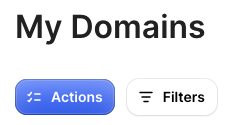
4. Select “Remove from Afternic Fast Transfer”
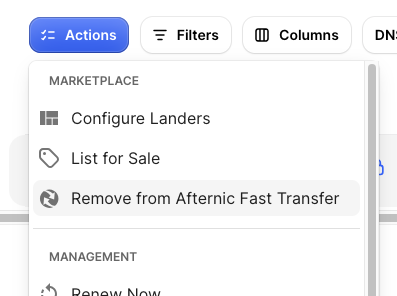
Important:
If you only select domain(s) that are not enabled for Fast Transfer, the option will not appear.
If at least one Fast Transfer–enabled domain is selected, the option will be visible.
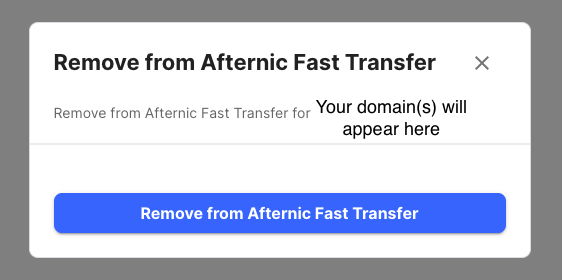
5. Review Eligible Domains
A pop-up will appear showing the domain(s) eligible for removal.
After reviewing, click Remove from Afternic Fast Transfer.
6. View Removal Progress
Another pop-up will appear showing the request in progress, along with the domain(s) being removed.
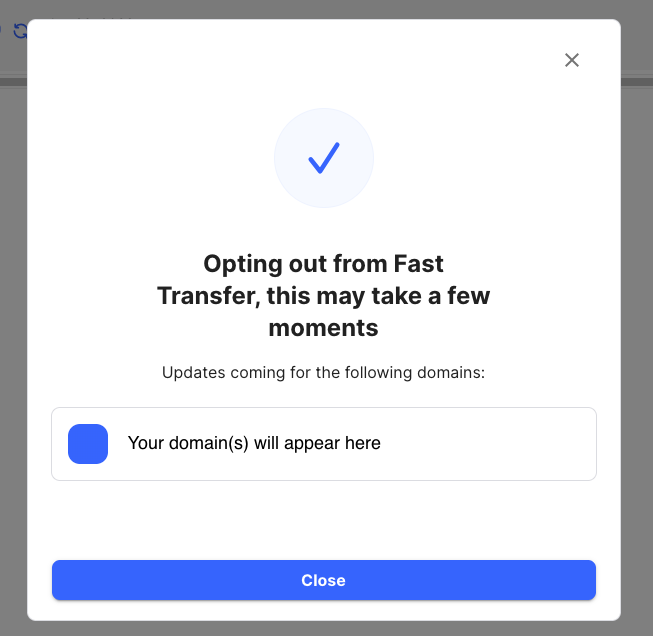
7. Close the Confirmation Window
Click Close to finish.
Processing Time
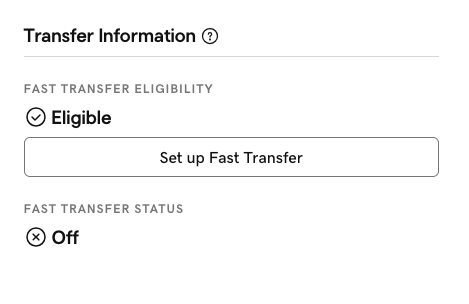
Allow up to 30 minutes for the domain(s) to be fully removed from Afternic Fast Transfer. Once complete, you will see it is disabled in Afternic.
If you wish to learn how to list on Afternic and enable Fast Transfer please see this guide.