The Outbound Agent helps you find potential buyers (leads) for the domains you want to sell, using natural language.
Tell it which domain, or domain category, you'd like to sell, and it returns a list of leads — each with a quality score — so you can decide who's worth reaching out to.
Once you've determined the leads you wish to use our Outbound CRM is there to help you with warmed up inboxes and reply management.
How it works
Once you prompt the agent, it will take you through a three-step flow to tailor your leads.
1. Choose your region or enter your own value
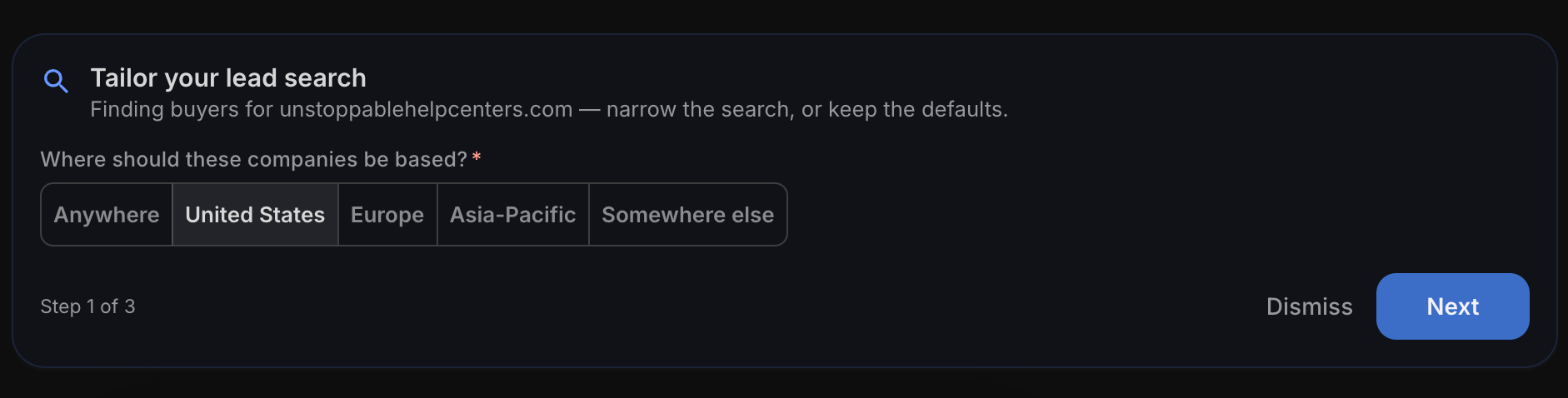
2. Choose your company size or enter your own value
3. Prioritize buying signals such as hiring or recently funded
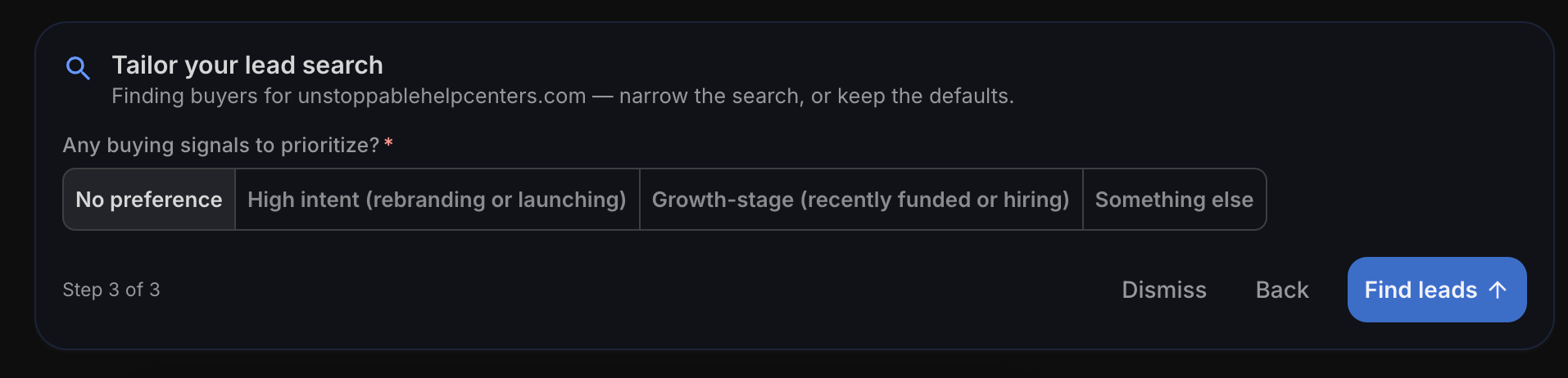
4. Select Find leads to submit your preferences and the agent will kickoff the search
Once leads are returned
The agent will return its results once the search is completed.
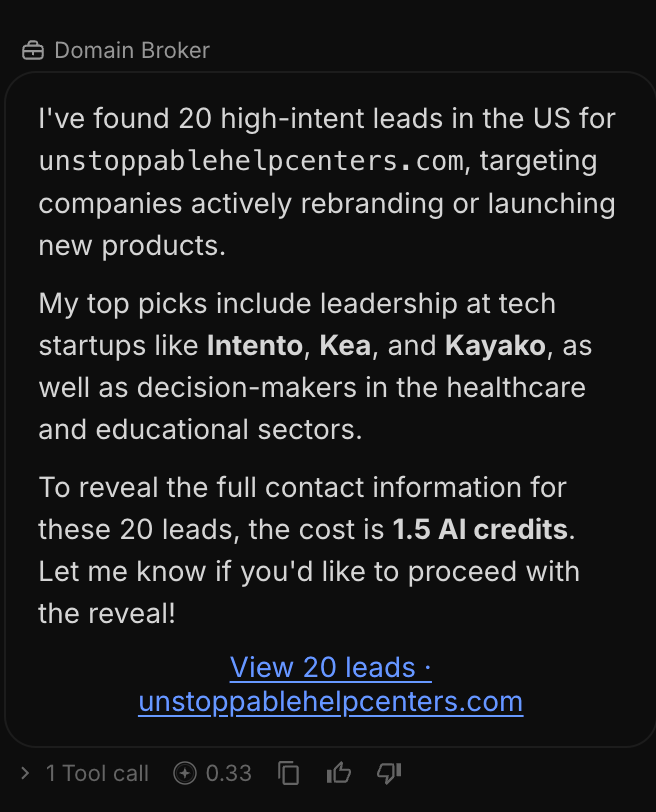
On the right panel, it will show you an overview of the leads it found with a quality score.
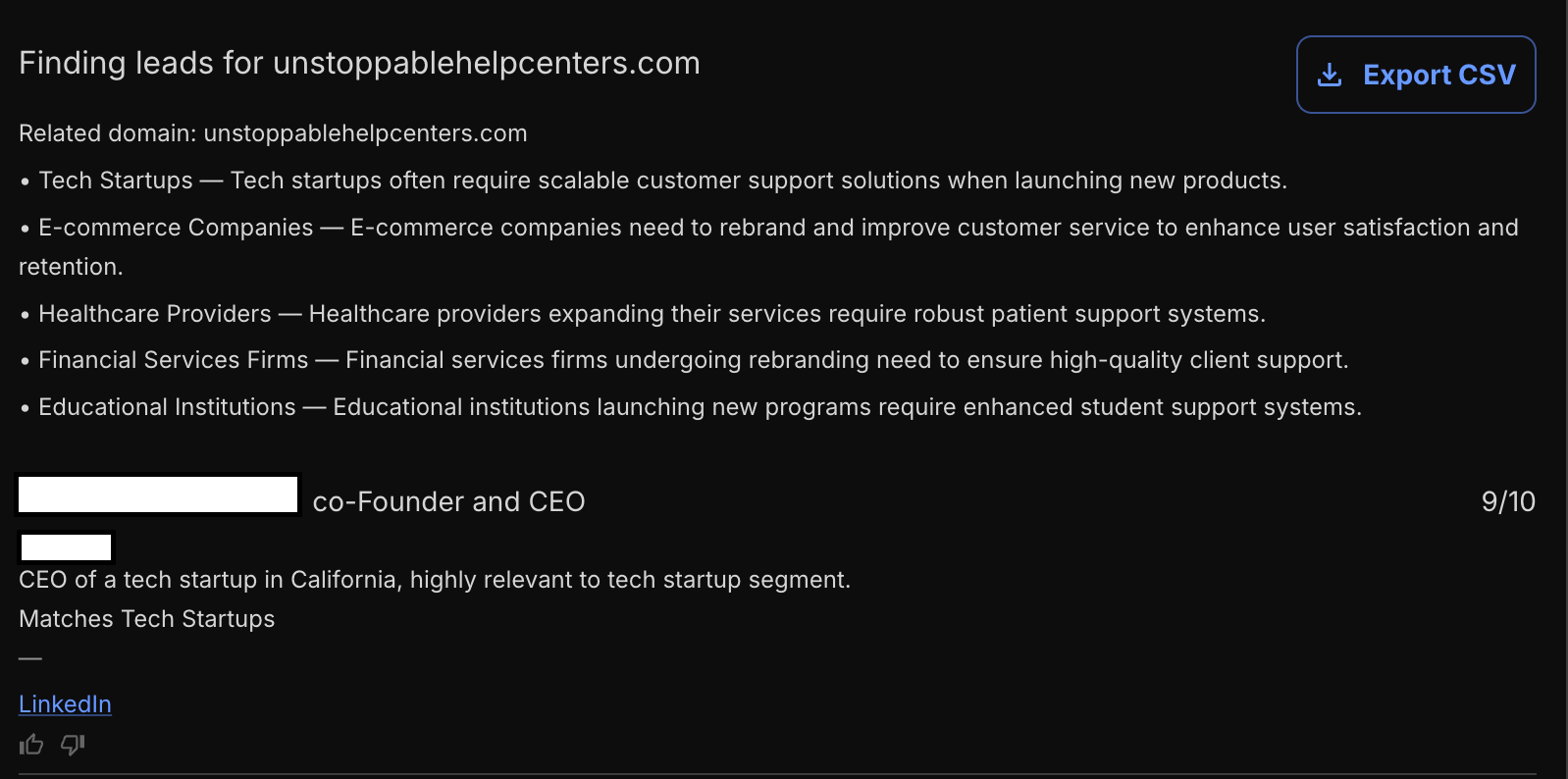
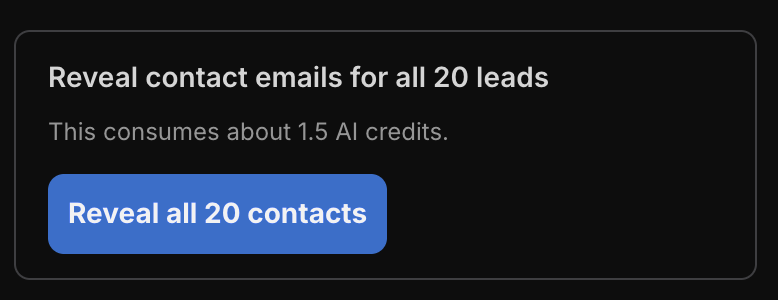
When you're ready, reveal each lead's contact email by selecting the reveal button in the chat window. This will consume AI credits, and it will give you an estimated credit cost amount.
Once revealed, press Export CSV in the top right and it will download your leads so you have what you need to start your outreach.
The exported CSV includes the following fields:
- First name
- Last name
- Phone (if available)
- Company
- Title
- Fit Score
- Matched persona
- Reasoning
- Related domain
- Search query
Good to know
The Outbound Agent currently finds leads — it does not send outreach emails for you. To send outbound to leads, use our Outbound CRM. Deep dive at Outbound CRM: Turn Leads Into Email Campaigns.
After you export your contacts, you reach out to buyers yourself, keeping you in full control of how you introduce your domain.
How it's billed
Finding and reviewing leads is part of using the agent and costs credits. Revealing contact emails uses AI credits as well.
See AI Credits & Subscriptions: Pricing and How They Work for more details on pricing.
Questions?
Need a hand getting set up? Learn more in Getting Started with Unstoppable AI Agents and the Outbound CRM article, or reach our support team at support@unstoppabledomains.com anytime.