Unstoppable Desktop App is in early access. Getting started takes three steps: sign in, get access to the product, and install the desktop app. This article walks through each one.
1. Sign in
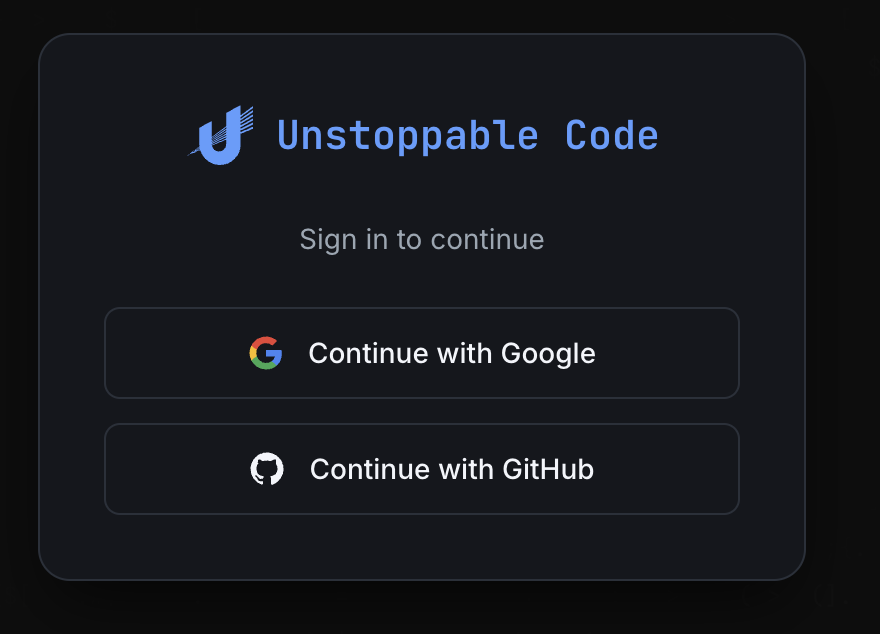
Go to code.unstoppabledomains.com and sign in with your Google or GitHub account. This creates your Unstoppable Desktop App account, which you'll use both on the website and in the desktop app.
2. Get access
Access is granted in two ways:
- With an invite. If someone already using Unstoppable Code sends you an invite link, follow it and sign in to get access right away. This is the fastest way in.
- Through the queue. Without an invite, you join the approval queue when you sign in. New accounts are let in as capacity opens up.
If you're in the queue, you don't need to do anything else — you'll be notified when your account is approved.
3. Install the desktop app
Once you have access, download the Unstoppable Desktop App from code.unstoppabledomains.com and sign in with the same account you used on the website. The desktop app is where you'll do your work — running agents, managing worktrees, and everything else.
Invite others
After you're in, you can bring others in too. From your account on the website, open your invites, create an invite link, and share it. Anyone who follows your link skips the queue and gets access when they sign in.
Next steps
Core concepts & vocabulary — the handful of terms that make everything else click.
Create your first worktree — start your first task, end to end.